How to Edit AI-Generated Graphics with Canva’s Magic Layers


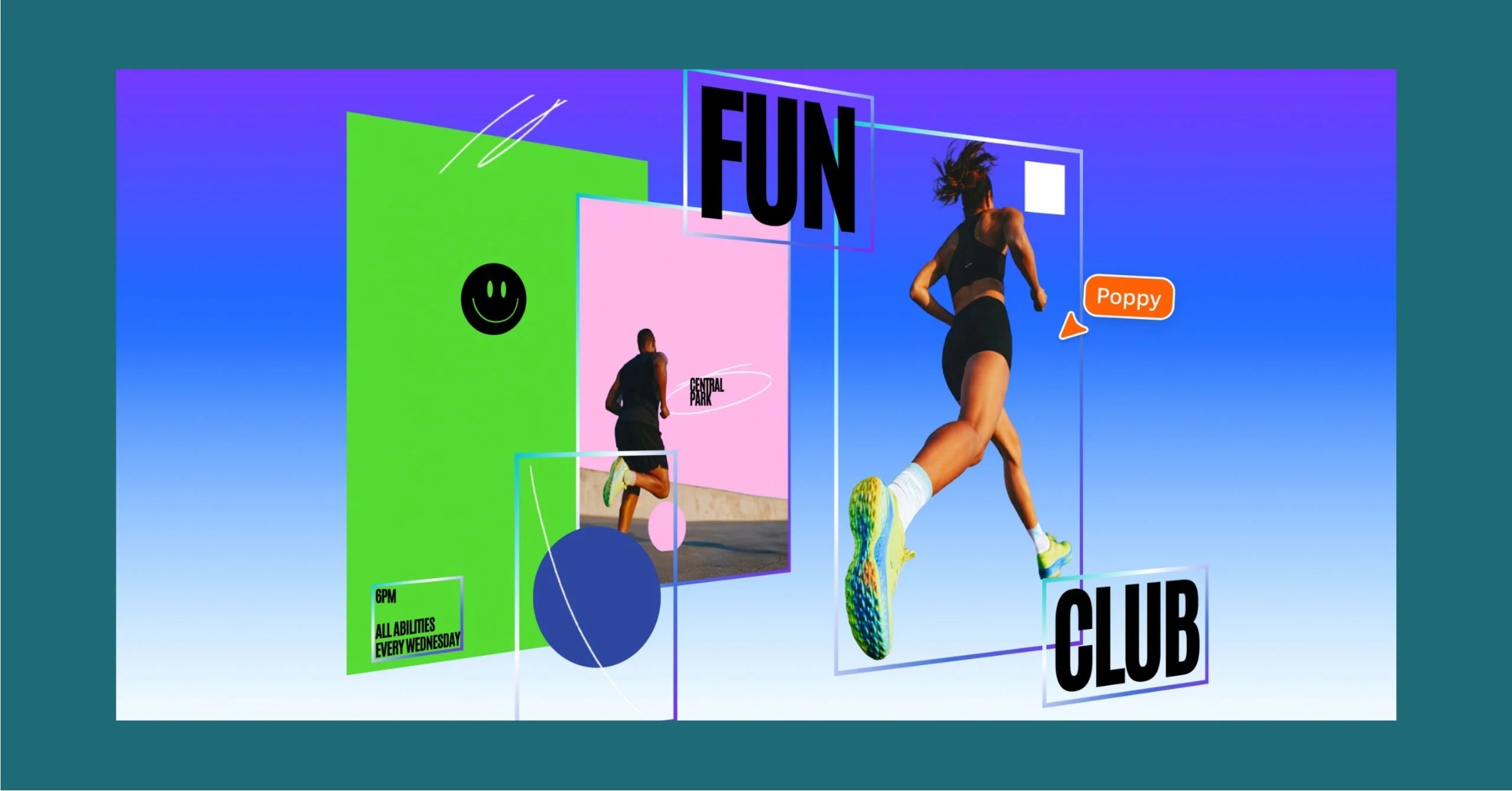
Magic Layers turns flat images into structured, editable layers inside Canva editor.
Canva, the visual communication tool, launched Magic Layers, a technology that allows AI (artificial intelligence)-generated images to be editable inside the platform.
The feature analyzes structure, identifies relationships between elements, restores text as live boxes, and separates components while preserving the original layout.
“There’s been an explosion of AI-generated content that has, until now, been a dead end. You’d get a finished image you couldn’t edit, refine, or make your own. We think AI should spark creation, not stop it,” said Cameron Adams, co-founder and chief product officer of Canva, in a press statement.
“There’s no need to start over, or to figure out the right prompt,” he added. “Generation is just the beginning – real creative freedom comes from being able to edit without losing momentum.”
Magic Layers is a new capability of the Canva Design Model, the company’s proprietary foundation model. With it:
- Elements are separated into individual, movable objects
- Layout relationships are preserved automatically
- Text remains live and editable
- Outputs can be refined and iterated without starting over each time
After moving from prompt to refinement, users can fine-tune their generated designs without switching tools.
Magic Layers supports single-page .png and .jpg files in beta, with expanded capabilities in development.
The feature began rolling out in public beta in the United States, United Kingdom, Canada, and Australia on March 12, with global availability to follow.
Learn more at www.canva.com/magic-layers.
More From Features